Digital Age-Adapting New Service Zhi Zun Yun Jia New Life China Telecom Fujian Company released the brand of Zhi Zun Yun Jia.
The theme of this year’s "5.17" World Telecommunication and Information Society Day is "Digital Technology for the Elderly and Healthy Aging". China Telecom Fujian Company actively embraced the opportunity of digital transformation, joined hands with industrial chain partners to jointly release the brand of "Zhizun Yunjia", deeply cultivated user needs and application scenarios, built an integrated digital life product and service system, helped all people to participate in and share digital life, and accelerated the construction of digital China. Fujian Provincial Department of Civil Affairs, Fujian Provincial Communications Administration, Fujian Provincial Bureau of Retired Veteran Cadres, Fujian University for the Aged, fujian media group, Junmen Community in Gulou District of Fuzhou and other industrial chain partners from Huawei, ZTE, Xiaomi, Fiberhome Communications, Green Rice, Graffiti and other news media participated in the event.
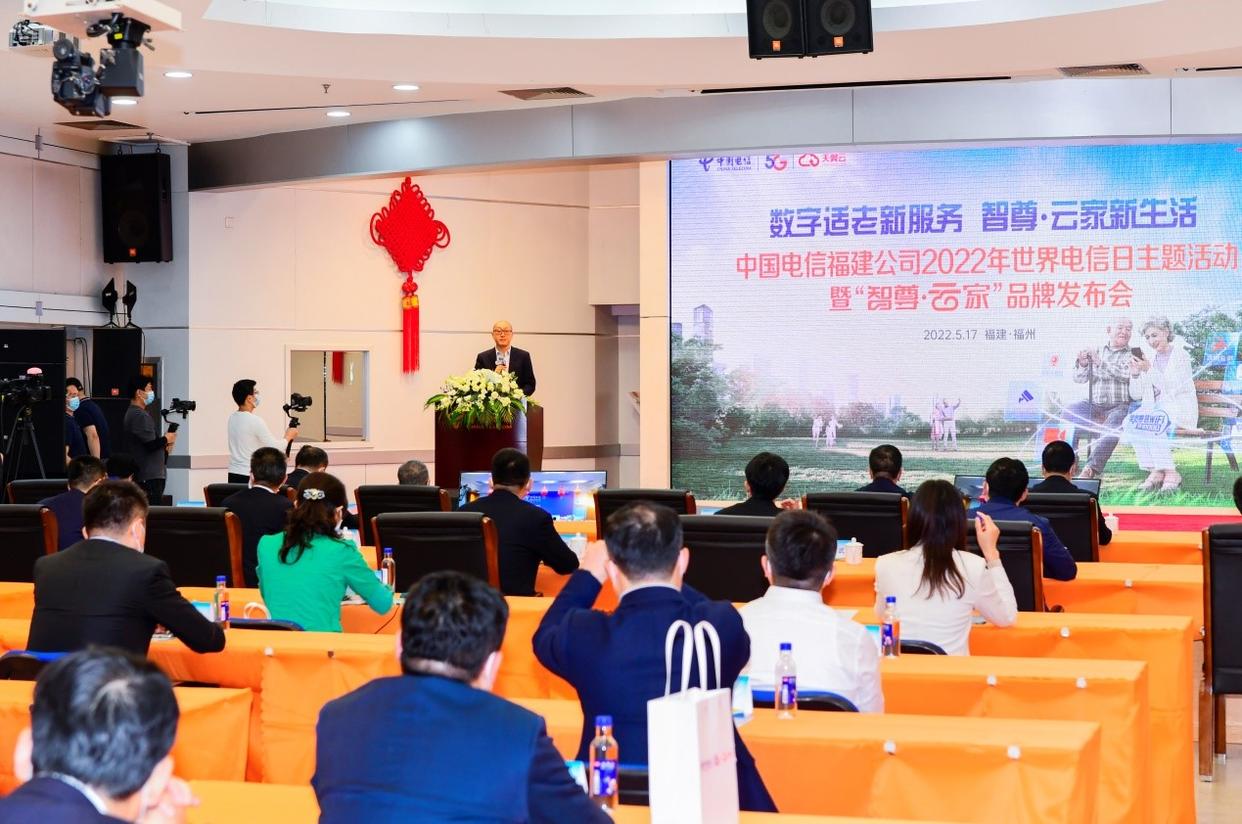
Conference site
Xiang Bing, Party Secretary and General Manager of China Telecom Fujian Company, said at the press conference that China Telecom Fujian Company, as the main force of our province’s communication industry, has already laid out and taken active actions in the service for the aged. In 2021, four measures were formulated to provide services for the elderly, and efforts were made to do good deeds and do practical things well, so as to reach the hearts of the elderly. The first is to open a business hall "Love Wing Station". Set up a love service box and equip it with emergency items. At present, 308 have been established, achieving 100% coverage of 93 districts and counties in the province. The second is to regularly organize "micro-classrooms" for science and technology to help the elderly. The elderly can learn knowledge including "preventing communication fraud", "using smart phones", "using commonly used apps" and "using Internet halls and WeChat official account" to quickly integrate into the intelligent age. The third is to optimize the online service channel. No.10000 "Senior Service Special Seats" will be opened to automatically identify elderly customers, give them priority in accessing manual services, and eliminate the operation links such as intelligent voice prompts and digital selection. The fourth is to promote smart old-age information products. For example, we will launch the "Wing Home Health" service, use smart watches and blood glucose and blood pressure detection equipment, and combine the display of mobile phone terminal system to pay attention to ECG, blood pressure, blood sugar and other indicators of the elderly at any time and place to create a "24-hour health management private doctor".
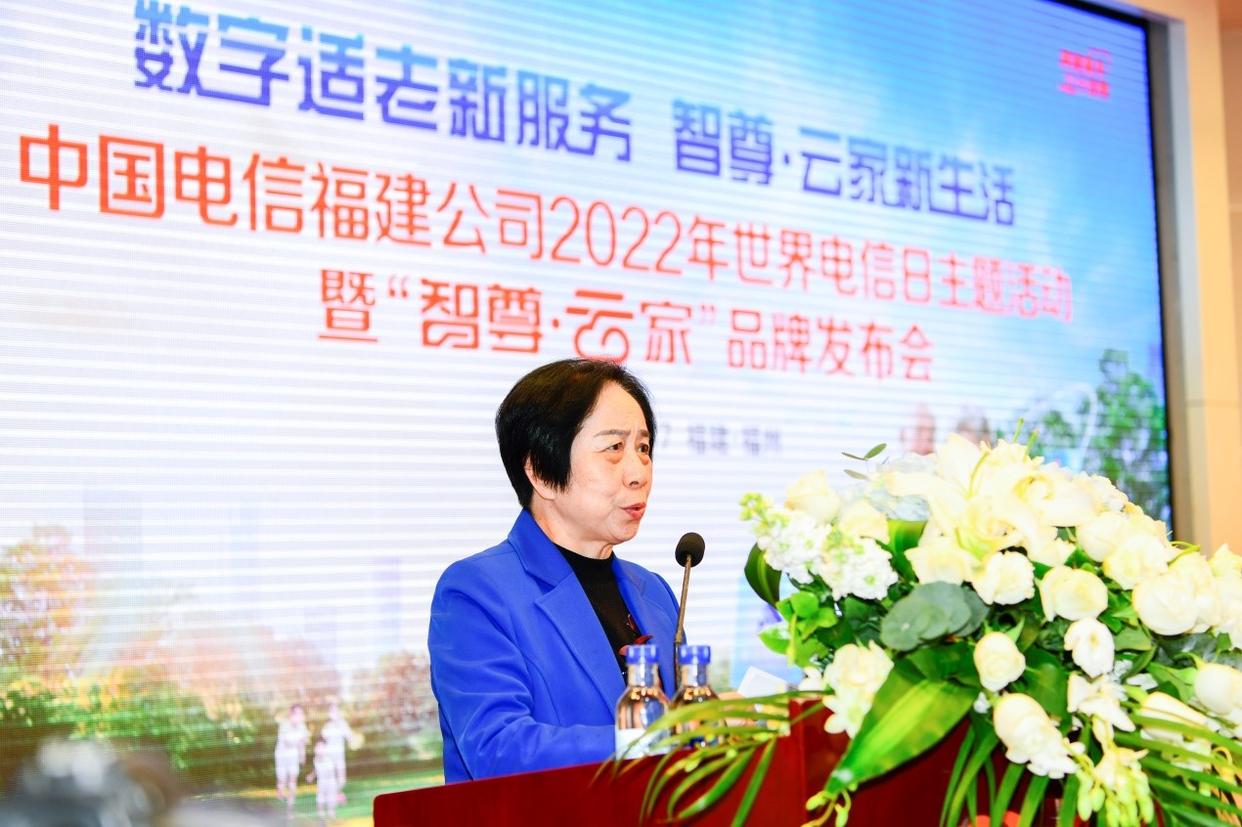
Lin Dan, Party Secretary of Fuzhou Junmen Community Neighborhood Committee, introduced the application of community informatization.
Providing quality, temperature and affection digital services for the elderly is an important content of building a digital China. China Telecom Fujian Company will continue to build a digital convenience bridge and promote information technology to help the elderly. On the one hand, it will provide warm-hearted services and promote the elderly to help the elderly. Promote the upgrading of channel services and provide "four basic services for the elderly", including setting up a green channel for "no health code" registration service and setting up a love desk for the elderly; Introduce the exclusive package policy, provide greater tariff concessions, and provide the exclusive package package of "respect for the elderly and filial piety" to meet the communication business needs of the elderly. On the other hand, product innovation creates a smart and healthy old-age life. On the ecological base of digital life, we will take the old-age care scene as the breakthrough point, and build a capacity system for life just-needed scenes such as home monitoring, emergency call, and convenient follow-up, so as to provide better and convenient digital technology services for the elderly.
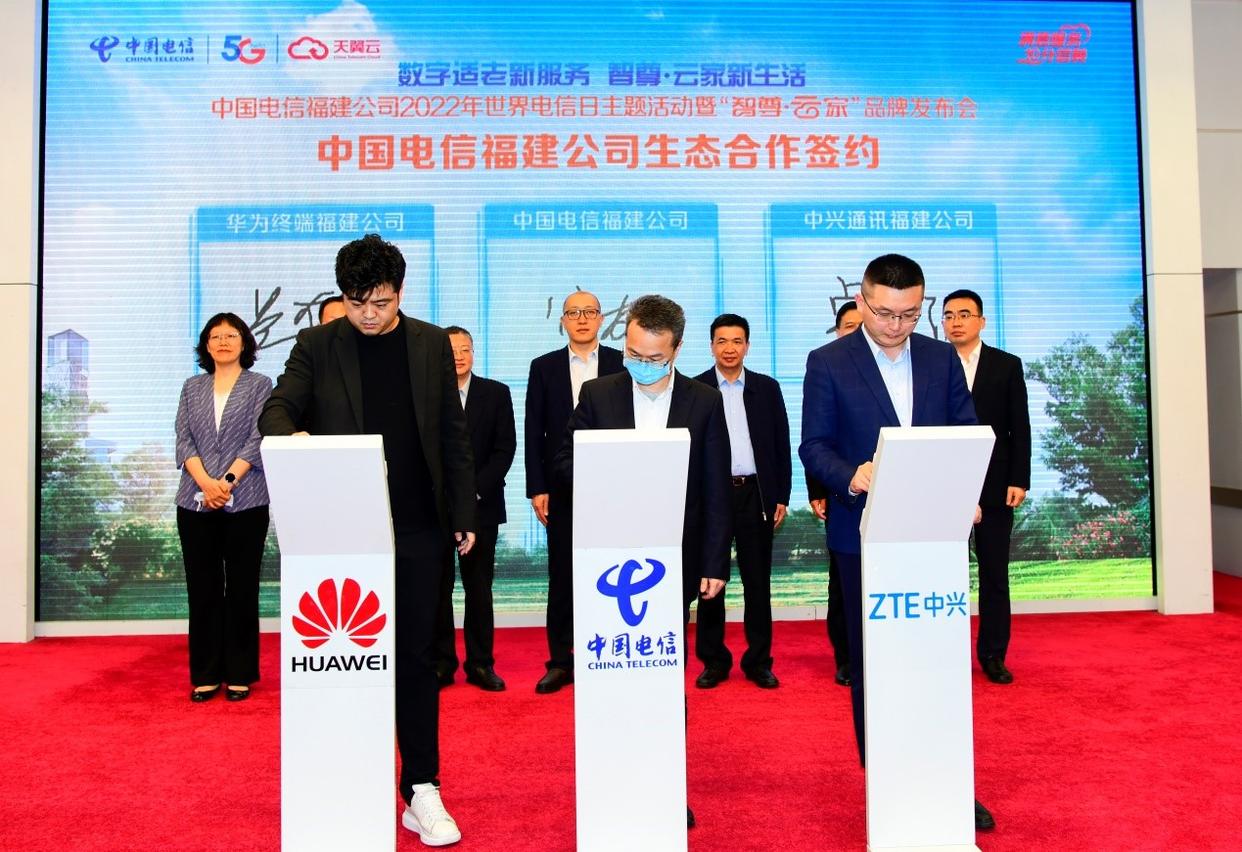
Sign contracts with Huawei and ZTE
In the past two years, people’s "cloud" life has become the new normal, and "cloud" plays an increasingly important role in people’s daily life and work. China Telecom Fujian Company builds a brand-new ecological community of "cloud+network+application" with its strong cloud-network convergence ability, taking "cloud" as the core and "home" as the foothold, adding luster to people’s beautiful and intelligent life. The brand of "Zhi Zun Yun Jia" newly launched will provide a ubiquitous network, a smart and safe cloud, and "smart, fast, wide and excellent" quality products and services, including Gigabit 5G, Gigabit broadband, Gigabit WiFi, whole-house optical fiber (FTTR), whole-house intelligence, exclusive rights, video customer service, night maintenance and so on, so that customers can At the same time, "Zhizun Yunjia" has also brought massive applications in five fields (safety, health, entertainment, education and office).
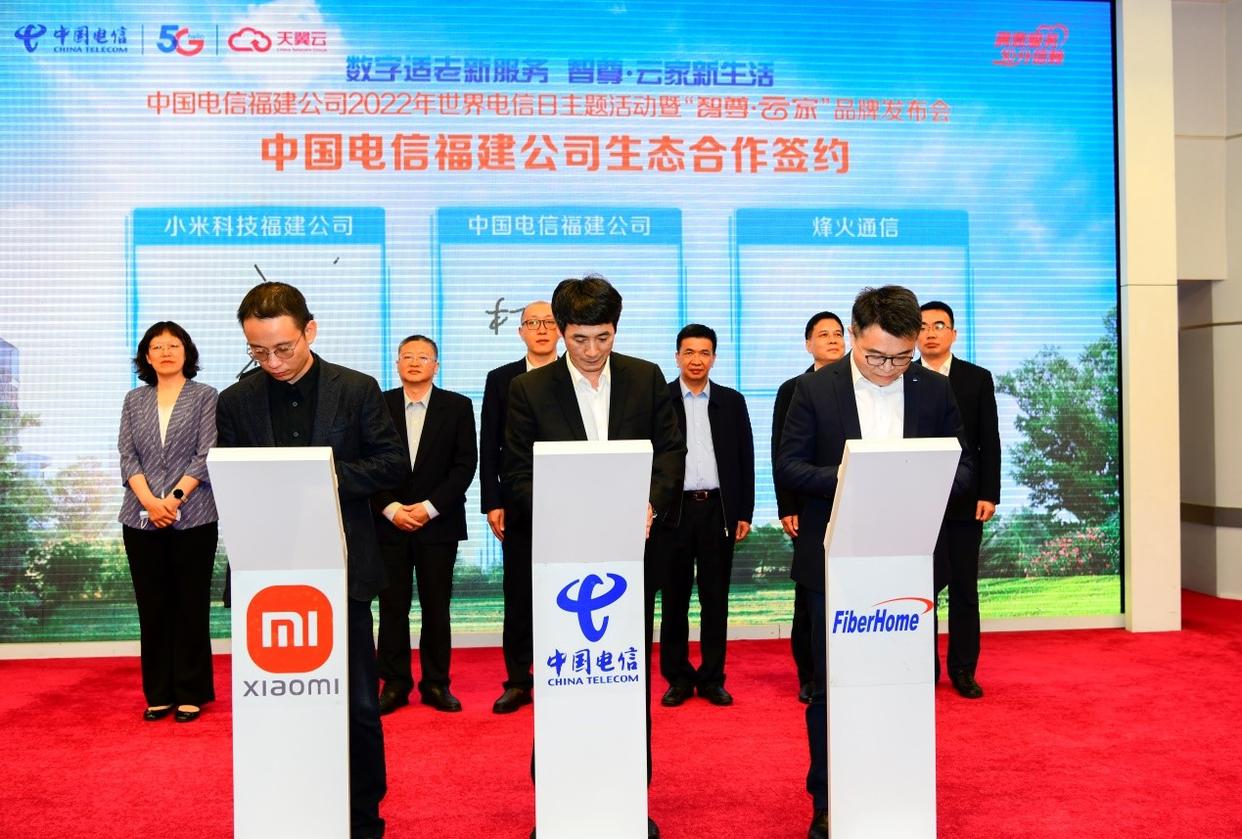
Signed a contract with Xiaomi Technology and Fiberhome Communications
In order to help silver-haired people enjoy the convenience brought by digital means in the information age, China Telecom Fujian Company has launched Tianyi digital health care platform, which is supported by cloud, Internet of Things, big data and AI technologies, and around the core needs of healthy old-age care, creates a "1 +3 +6 +N" model of healthy old-age care product system with "1 base platform+3 portals+6 core capabilities+N hardware and services" to realize the elderly.
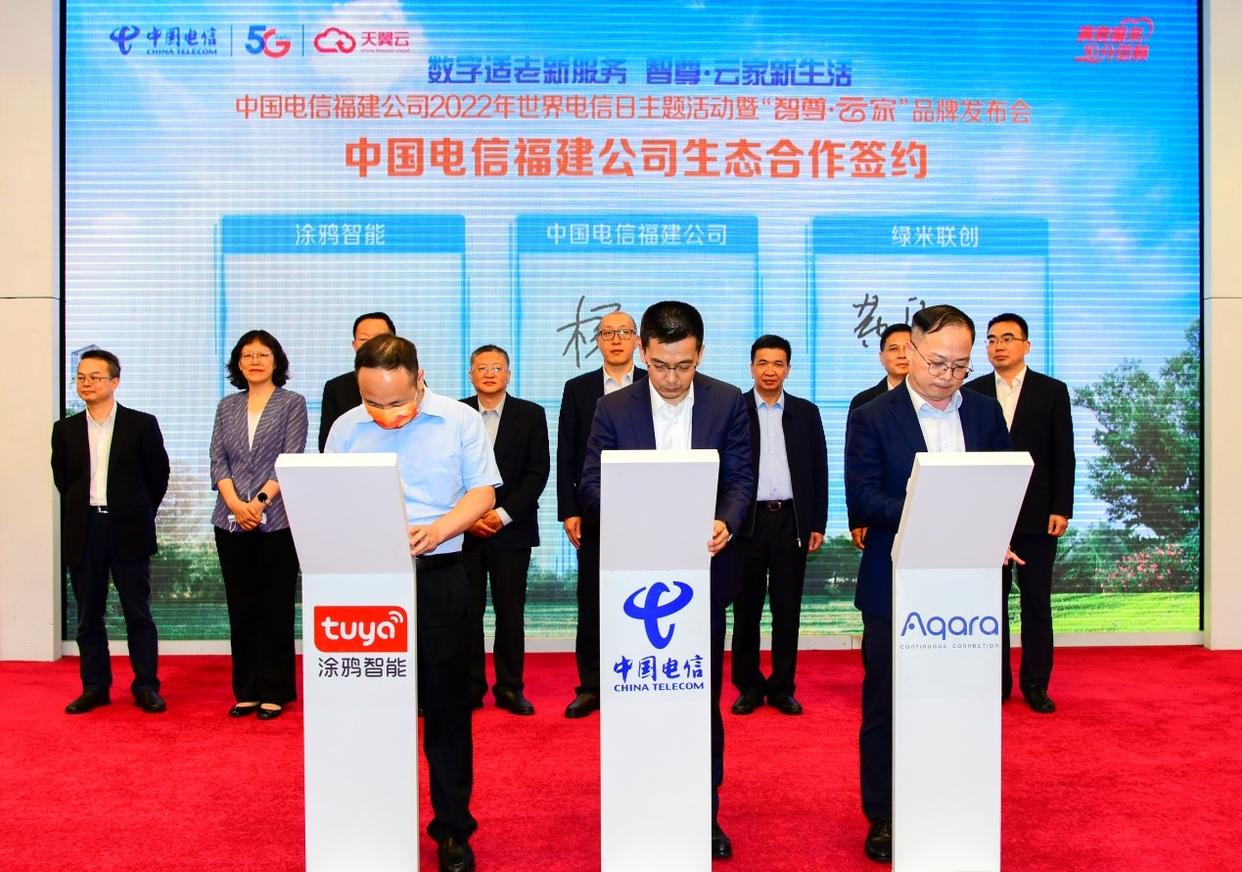
Sign a contract with graffiti intelligence and green material co-creation
The development of digital life business and the construction of digital life ecosystem are inseparable from the strong cooperation of all industries. At the press conference, China Telecom Fujian Company joined hands with representatives of Huawei, ZTE, Fiberhome, Green Rice, Xiaomi, Graffiti and other terminal manufacturers to hold the signing ceremony of "Smart Zun Yunjia" ecological cooperation, and cooperated with partners to build a "digital life community".
Aggregation leads to ecological win-win. Based on a new starting point, China Telecom Fujian Company will speed up the construction of a new information infrastructure layout with cloud network convergence as the core feature, give full play to the main role of digital China construction, provide smarter digital solutions and digital life products for individuals, families and communities, give play to the multiplier effect of digital elements, stimulate the vitality of digital economy, and let people enjoy a better digital new life.
Reporting/feedback